
Introduction
Just imagine waking up after a chill weekend and realizing you’ve tons of undone work with no planning or scheduling, then the morning won’t be good anymore would it be?? No, right. That’s when you’ll regret not planning ahead to avoid this chaos and blame yourself.
Why become one of those who regret not planning ahead and missing a lot because of their carelessness? Why not become someone who can work smarter with the help of numerous AI tools and plan your meetings, and your tasks to avoid lagging behind or hindering your success?
In this blog, we will explore how AI can act as a scheduler and also we will learn about some AI tools that can help us in smart scheduling, planning with their key features, pros and cons of saving our image and time.
Grab the opportunity to learn the smart usage of these AI tools at be10x
Table of Contents
Why use AI tools as scheduler
AI scheduling assistant acts as the virtual assistant that can help you schedule your calendar, tasks, and meetings according to your preference
Let’s understand how these tools can help in scheduling
1. Efficient Time Utilization
You can create sharing calendar links with your colleagues or employees and these tools can help schedule meetings while checking the availability of every member which can save time and effort.

2. Learn and Adapt
These AI tools can learn over time what are your preferences and adapt them according to them and thus help in scheduling your calendar.
3. Rescheduling
These AI tools can surely decrease the rate of cancellation as it is an efficient tool that can go back and forth between different teams and ensure rescheduling if required
4. Automated Remainders
These AI tools can set up auto reminders which can help all the members be prepared for meetings or tasks assigned beforehand without forgetting which can increase professional productivity.
5. Effective Collaboration
These AI tools can help teams to work together more efficiently and help them plan meetings or tasks together resulting in increased productivity and collaboration between members and different teams.
10 Best AI Tools for Smart Scheduling

It is designed to simplify scheduling via email. x.AI interprets email conversations helps in scheduling meetings based on the availability of the members and helps in effective collaboration.
Key features
- Natural language processing for email-based scheduling
- Meeting reminders and follow-ups
- Automate coordination based on availability
- Integration with popular calendar apps
- Analysis based on scheduling pattern
Pros
- Easy meeting scheduler
- Auto reminders and follow-ups
- User-friendly interface
Cons
- Some advanced features are not free of cost
- Takes time to get used to preferences
- Multiple calendar integration

It can help in daily scheduling and also is capable of time blocking which can help prioritize tasks and also help in daily tasks. It allows users to visually manage every task from due tasks to travel time, all in real-time through a simple dashboard.
Key feature
- Auto assigns the task
- Integrated platform management
- Helps in task prioritization
- Alerts for meetings and deadlines
- AI-enabled rescheduling
Pros
- Simple and easy to use
- Generous free version
- Helps in streamlining tasks
Cons
- Cannot reschedule in the case of an emergency
- Less advance feature
- The visuals are not too attractive

Clara, the AI scheduling assistant automates the scheduling process via email, whether you need to find time for a meeting, reschedule, or for cancellation it can be done using Clara by using a single email through Clara. It provides the best scheduling suggestions based on best time availability
Key features
- Intuitive scheduling suggestions
- Automatic meeting follow-ups
- Email based scheduling
- Real-time notifications
- 24/7 support
Pros
- Set up multiple invitations
- Perfect for event organizers
- Simplified AI scheduling
Cons
- No free plan is available
- Accuracy dependent on clear email communication
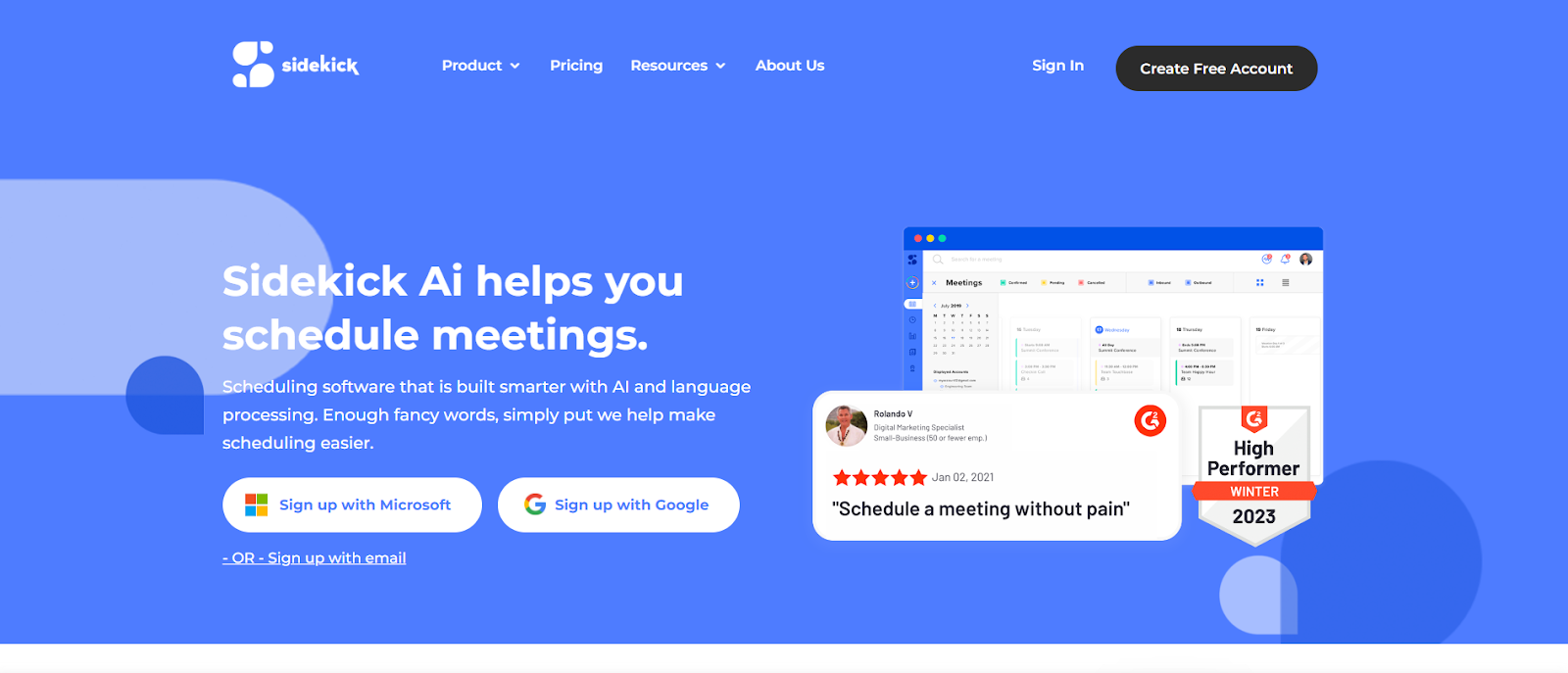
It relies on AI algorithms and advanced language processing to schedule your
Daily routine. It offers multiple scheduling like sidekick scheduling(determines the best
time for scheduling), forward to schedule(sends invitations via mail), and scheduling
page(creates custom-made scheduling web pages).
Key features
- Multiple scheduling options
- Web page builder with intuitive tools
- Integration with different communication modes like video/voice meetings
- Individual or group scheduling
- Streamlined daily schedule
Pros
- Ideal for time-saving
- Core features available with the free version
- Affordable premium plans
Cons
- No integration option for marketing or CRM
- Analytics tools need an upgrade
- Random scheduling errors
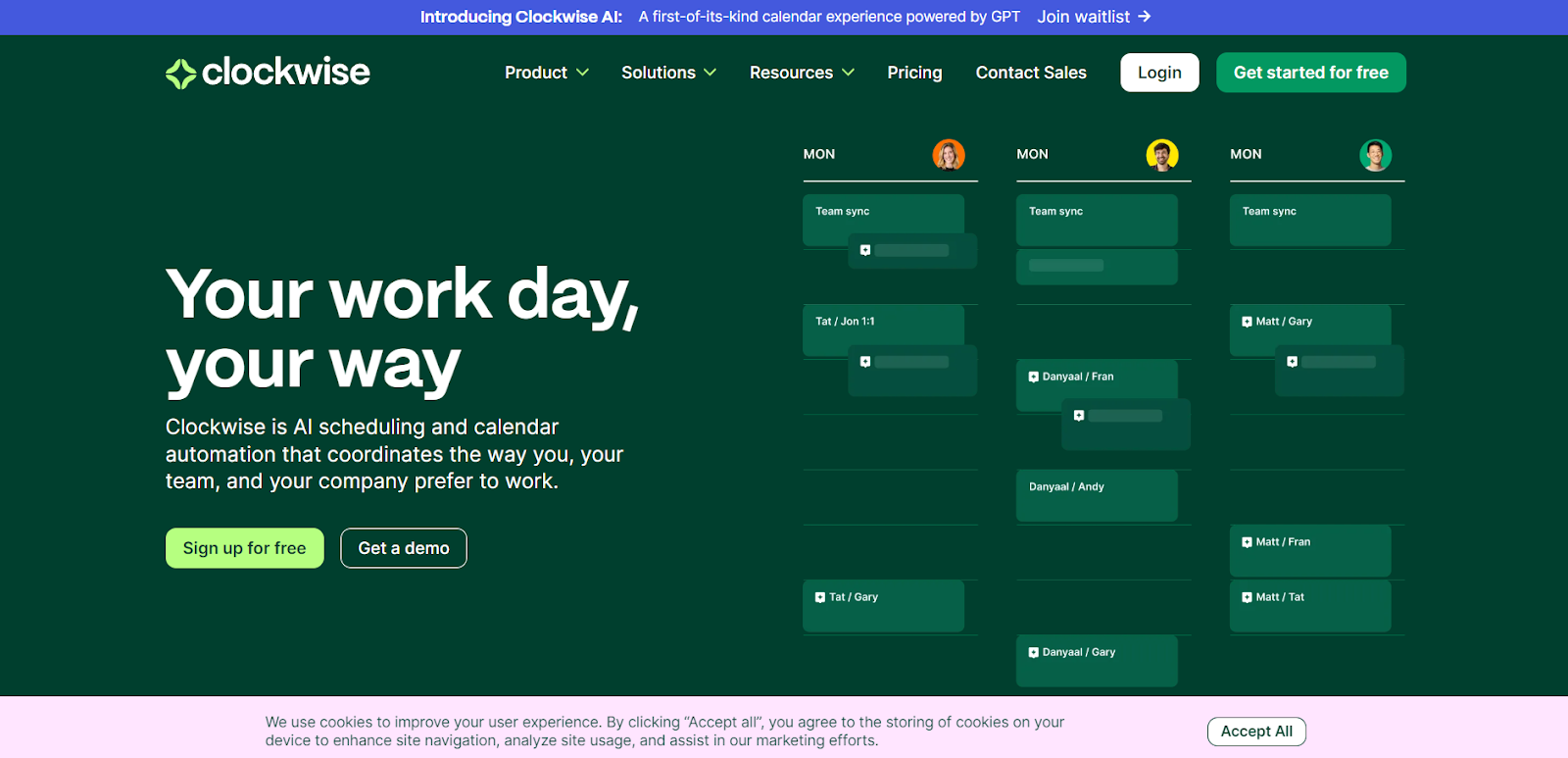
It helps in scheduling daily routines, resolves team conflicts, and saves time. It is best suited for a team environment. You can tap on multiple custom-tailored clockwise AI scheduling capabilities according to preference.
Key features
- Scheduling and calendar customization
- Analytical dashboard
- Top integration options
- Reschedules non-urgent tasks to save focus time
- Preference-based scheduling
Pros
- Minimizes meeting disruptions
- Increases focus time
- Affordable feature-rich premium plans
Cons
- Adjusting to automated scheduling can take time
- No mobile app is available
- No time-tracking options
6. Reclaim
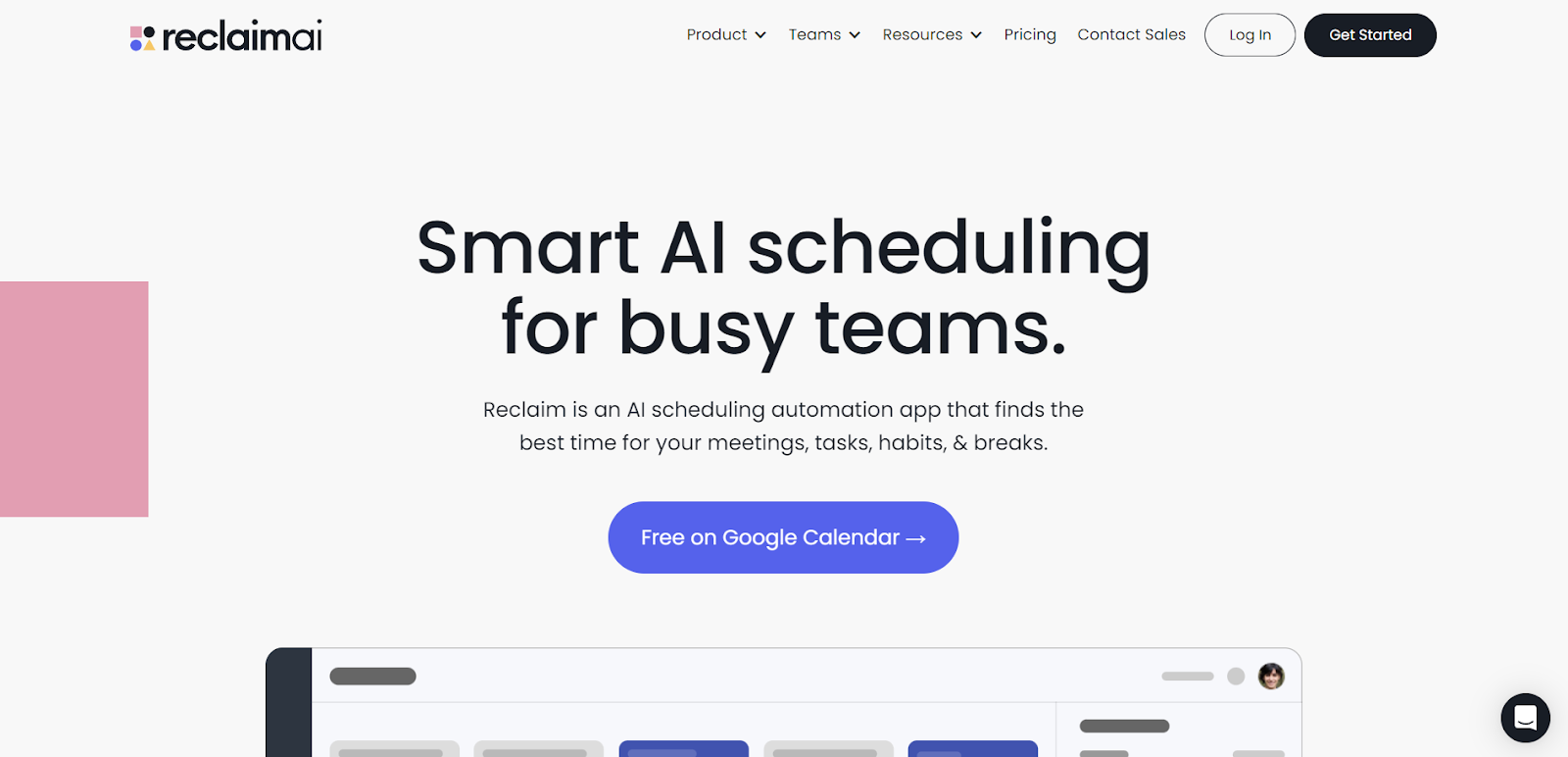
It stands out as an excellent calendar assistant, providing you with a Google Calendar-like scheduling environment. It can help you save time by helping you reserve a meeting on your calendar for the best-suited time. The customization options in Reclaim are noteworthy.
Key features
- Task prioritization on a daily and weekly basis
- Intuitive calendar slot reservation
- Project management
- Calendar analytics and reporting
- AI-enabled routine planner
Pros
- Free version available
- Adjust according to individual preferences
- High-end productivity integration options
Cons
- Limited integration options with the free version
- Only compatible with Google Calendar
7. Ayanza
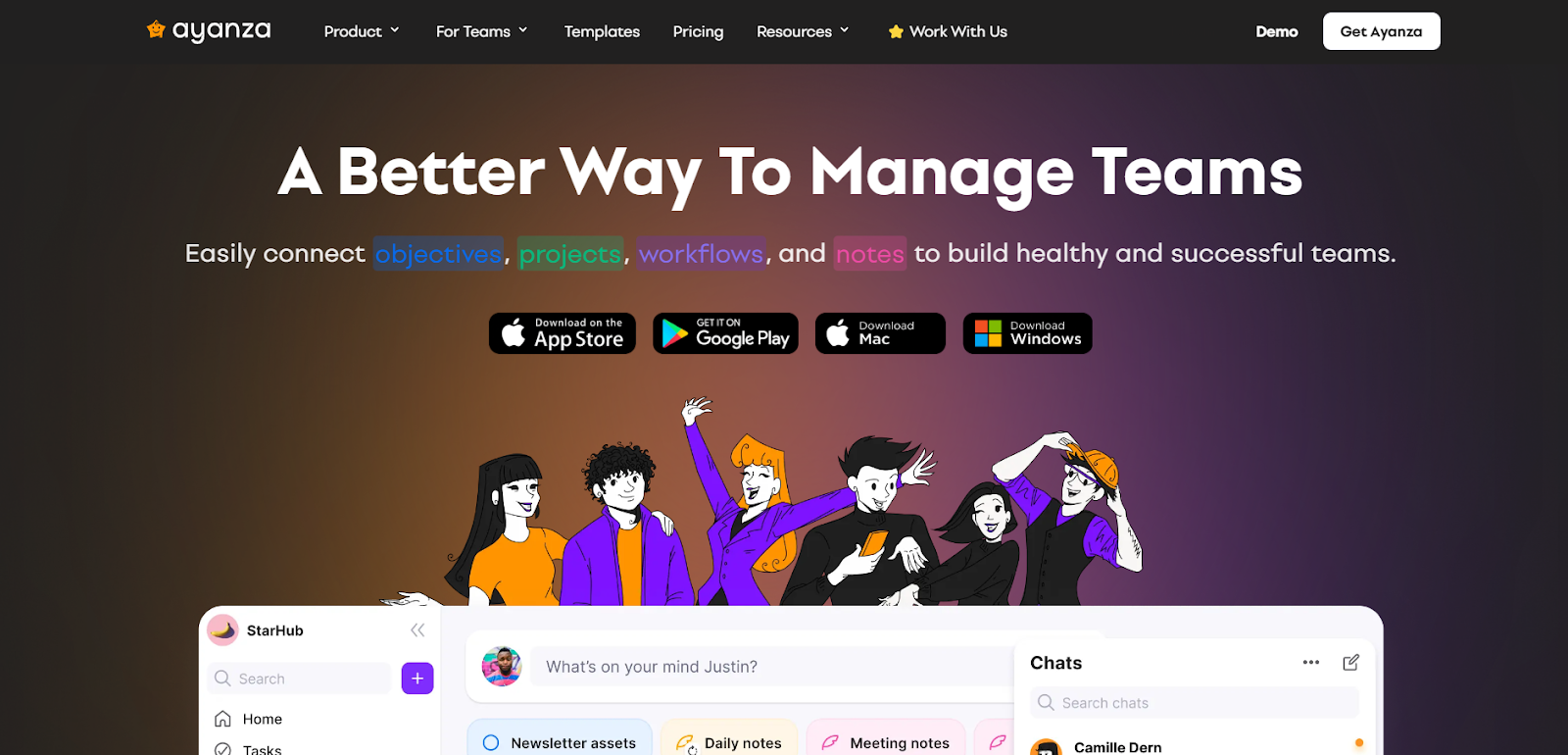
It is a tool that can be used to upgrade team collaboration and performance at every level. You can rely on it to determine clear and concise team goals, brainstorm ideas, write content, fetch information, and many more. It enhances your team management with advanced features like a chat editor, web-like knowledge, hubs, and more.
Key features
- Ayanza’s generative and creative AI
- Sharable meetings notebooks
- Real-time alerts
- Slack-like chat editor
- Inbuilt workflow automation
Pros
- The free version includes top features
- Top tools for scheduling
- Ideal for task and project management
Cons
- Lack of more customization options
- Longer learning curve for new users
8. Kronologic
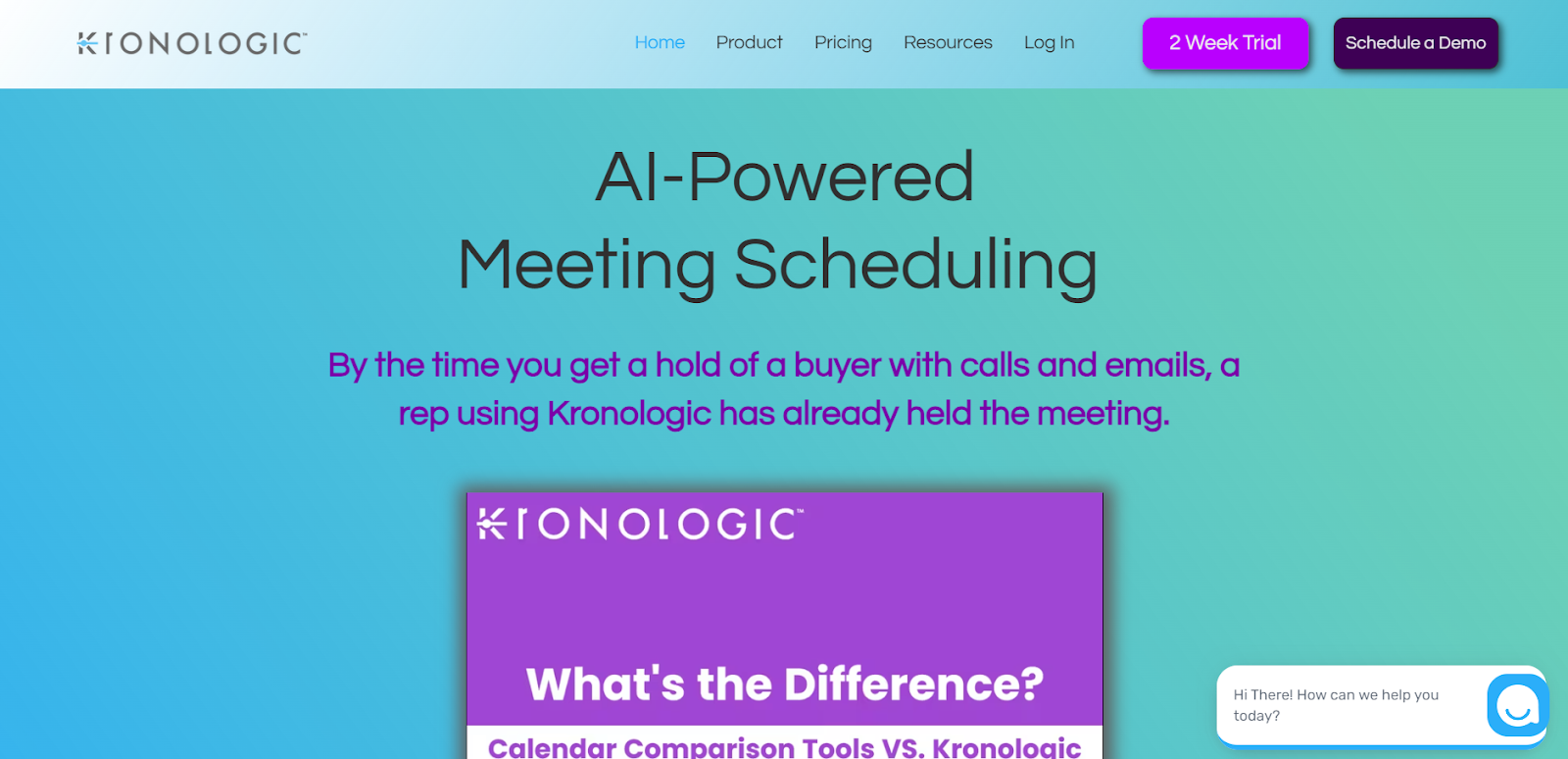
While the above tools focus on team collaboration and project management, chronologic focuses on providing AI-based solutions to the sales team for building the sales pipeline, improving lead generation, capturing, and increasing conversion rate. With it, you can automatically schedule time and dates for customer calls.
Key features
- Multiple calendar templates with customization options
- Sales pipeline builder
- Increase lead generation
- Customer onboarding
- AI-powered chatbot
Pros
- Ideal for scheduling in CRM, sales, or marketing
- Automates administrative tasks
- Streamlines meeting scheduling
Cons
- No team or project management
- No info about pricing
9. Motion
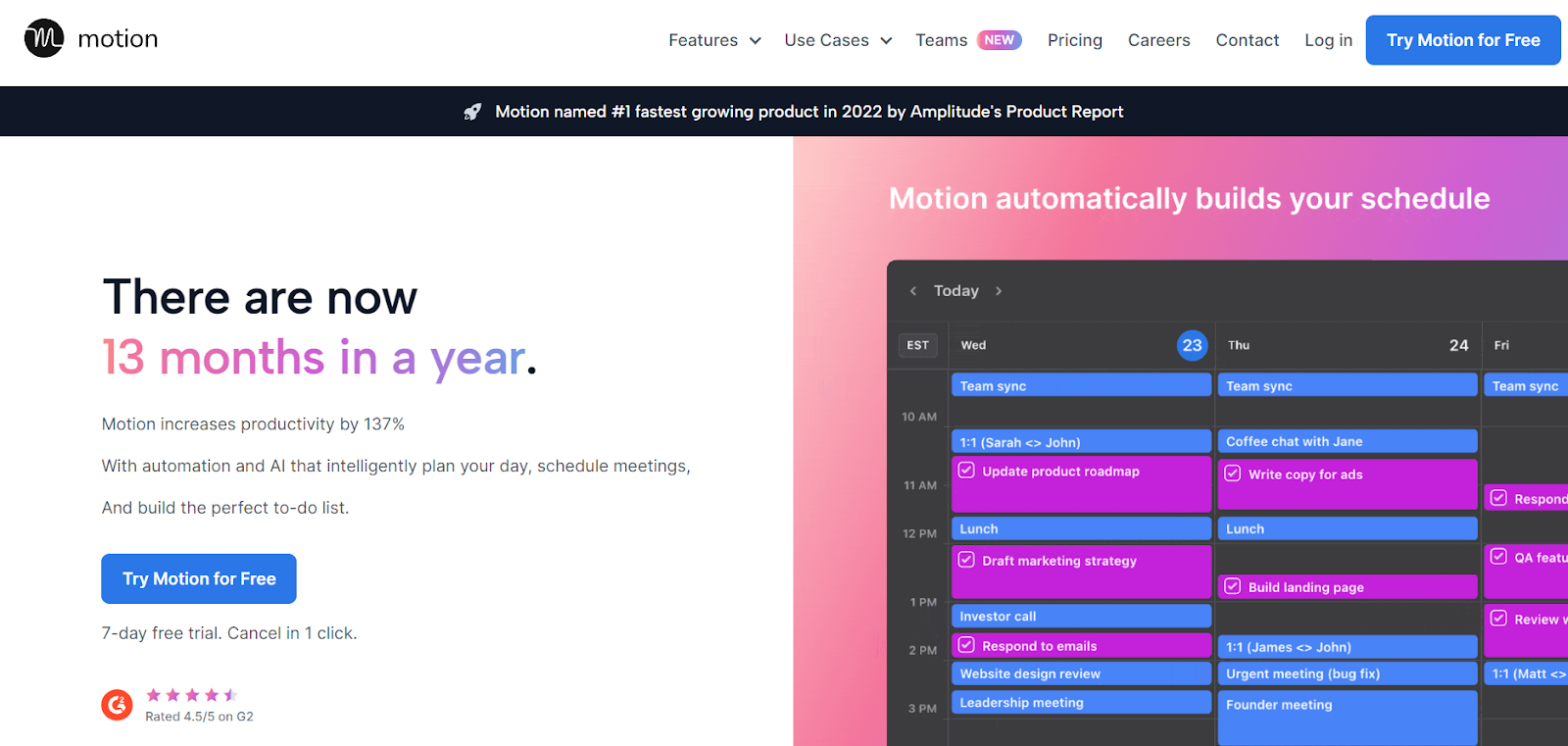
It can streamline meetings, and provide calendar and project management all in one place which saves time and effort for using multiple tools for each, it also offers features like intelligent calendars for scheduling daily chores, along with facilitating team collaboration
Key feature
- Smart meeting assistant
- AI-powered calendars
- Effective team collaboration
- Project and task planning
- Time blocking
Pros
- Task prioritization
- Intuitive scheduling
- Compatible with leading calendar providers like Google
Cons
- No free version is available
- Expensive plans
- The interface needs an upgrade for easy usage
10. CalendarHero

Whether you need to hire, manage a project, capture leads, or help the sales team, solutions for all these lies at calenderHero as it can help in handling every task seamlessly. It can help update your CRM and manage everything from calls to meetings with CalendarHero.
Key features
- Customized invitations
- Automated meeting bookings
- Real-time notifications
- Help with rescheduling
- Scheduling insights
Pros
- Ideal for routing different meeting types
- Multiple scheduling options
- Powerful integrations
Cons
- Lacks essential customization options
- Software prone to unexpected restart
- Embedded features need an upgrade

Conclusion
We learned that the importance of smart scheduling cannot be denied as this can play a key role in not just professional but also personal success. AI can act as a game changer in the field of smart scheduling as we read about how AI can help an individual, also we went into depth about some AI tools that can be used for not just scheduling meetings but can do much more like helping in task and project management or helping the sales team. In conclusion, Knowing the smart usage of these AI tools can transform our lives 360 degrees and help us save time and effort.
So, if you too wanna learn how you can smartly use these tools to your advantage then there’s no other better place than be10x AI tools workshop to become 10x more efficient.